Analyzing Datadome latest changes
Once in a while Datadome actually implement something new, I always hope into a spicy situation, but this (again) seems not to be the case.
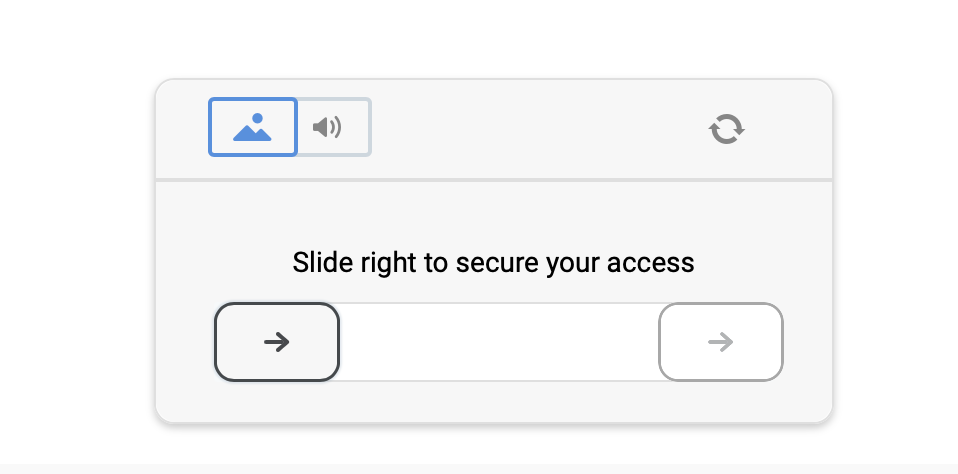
Once in a while Datadome actually implement something new, I always hope into a spicy situation, but this (again) seems not to be the case.
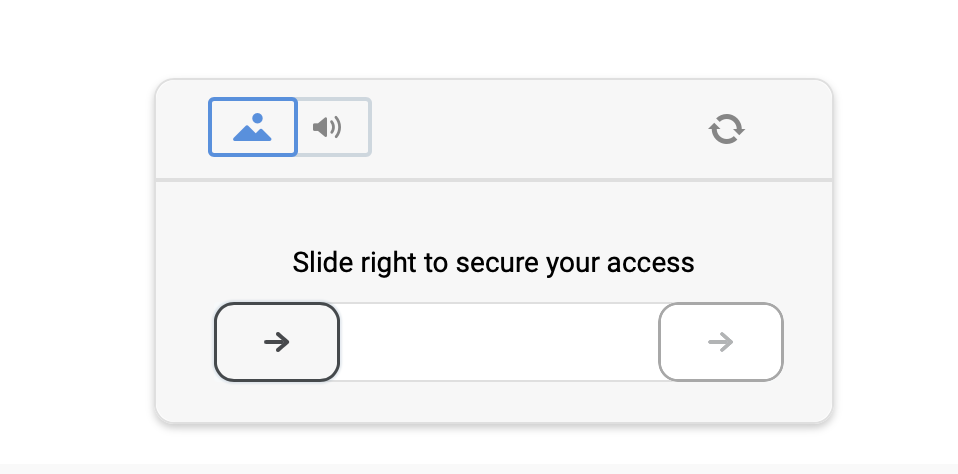
No puzzle!
Let’s start by talking about the actual global (seems) activation of the noPuzzle captcha
This was part of a sleeping code placed a while back, but I actually never saw it active before a couple of weeks ago.
At the moment it seems that their classic “slide captcha” has been globally deactivated (so probably not a website based configuration).
Pro
Actually, in terms of solving nothing has changed, maybe even improved, since you previously had to calculate the “slide arrival” location (for movements and signals) while. right now it is always going to be a static value. Solving time is as well cutted down since there’s no need anymore to solve and analyze the challenge images.
Contro
I’m assuming that this means they are about to implement a new image based captcha (I hope for them)
Virtual Machine — plv3
This update followed up with the implementation, on both captcha and interstitial of the plv3 parameter.

The generation of it is totally handled by their file vm-obj.js.
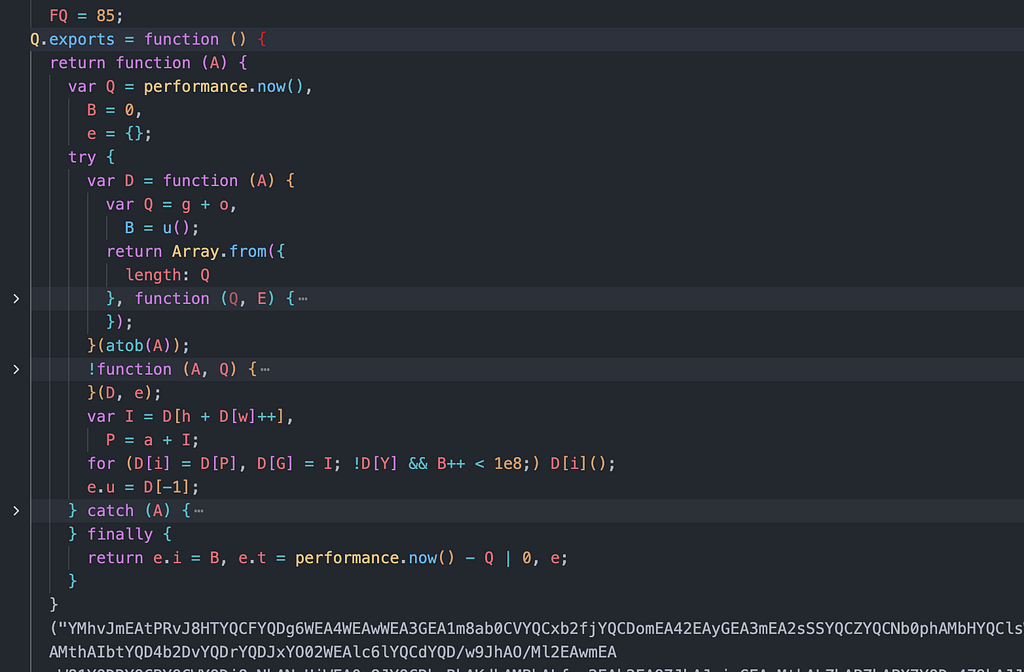
I’ll proceed explaining this part is the simplest way possible in order to make any reader understand what we are talking about.
What’s a Javascript VM (Virtual Machine)?
In a few words, Javascript normally runs on your browser thanks to the engine of it, able to understand specifically Javascript.
A VM let’s runs other code. Almost like a small pc inside your browser window This mostly helps with code protection and obfuscation.
Now that we understand VMs in general, let’s see how Datadome specifically implements theirs
The Datadome VM
The logic follows those 3 steps:
┌─────────────────────────────────────────────────────────────┐
│                      BYTECODE                                │
│  (A long string of numbers - the encoded instructions)       │
│  Example: [45, 128, 67, 23, 199, 54, 12, 88, ...]            │
└─────────────────────────────────────────────────────────────┘
                              │
                              ▼
┌─────────────────────────────────────────────────────────────┐
│                     THE VM ENGINE                            │
│  - Reads bytecode one instruction at a time                  │
│  - Has a "stack" to store temporary values                   │
│  - Has a "program counter" to track current position         │
│  - Executes ~100 different operation types                   │
└─────────────────────────────────────────────────────────────┘
                              │
                              ▼
┌─────────────────────────────────────────────────────────────┐
│                       OUTPUT                                 │
│  A "fingerprint" - a unique signature of your browser        │
│  Example: {"r": "abc123...", "i": 340000, "t": 25}           │
└─────────────────────────────────────────────────────────────┘
Those bytecode instructions comes from that long string we can find inside their file vm-obj.js
Stack
The VM uses a “stack” where you can only push or pop from the top
PUSH 5     →  [5]
PUSH 3     →  [5, 3]
ADD        →  [8]        (pops 5 and 3, pushes their sum)
PUSH 2     →  [8, 2]
MULTIPLY   →  [16]
**Program Counter (PC)
**The Program Counter tells the vm where to read the next instruction
Bytecode: [PUSH, 5, PUSH, 3, ADD, PUSH, 2, MULTIPLY]
              ↑
              PC = 0 (start here)

After PUSH 5:
Bytecode: [PUSH, 5, PUSH, 3, ADD, PUSH, 2, MULTIPLY]
                    ↑
                    PC = 2 (moved forward)
This because each number in the bytecode represent an operation, in the Datadome one we are going to find around 100 different ones:
| Opcode | Name     | What it does                   |
|--------|----------|--------------------------------|
| 45     | PUSH     | Put a value on the stack       |
| 67     | ADD      | Add two numbers                |
| 89     | JUMP     | Go to a different position     |
| 92     | JUMP_IF  | Jump only if condition is true |
| 23     | GET_PROP | Get a property from an object  |
| 54     | CALL     | Call a function                |
| ...    | ...      | ...                            |
let’s say that the VM wants to check if your navigator has a certain feature, it will proceed in a way like this:
Bytecode: [GET_WINDOW, GET_PROP, "navigator", GET_PROP, "userAgent", STORE]

Step 1: GET_WINDOW
   Stack: [window]
   (Gets the browser's window object)

Step 2: GET_PROP "navigator"
   Stack: [navigator]
   (Gets window.navigator)

Step 3: GET_PROP "userAgent"
   Stack: ["Mozilla/5.0 Chrome/120..."]
   (Gets the browser's user agent string)

Step 4: STORE
   Stack: []
   (Saves this value to use in the fingerprint)
The output data
After a successfull execution of the VM (around 360k instructions for a captcha, arond 100k less for interstitial challenge) the output will look like:
{
  "r": "aGVsbG...",  # output fingerprint value
  "i": 340580,       # interactions done
  "t": 25            # elapsed time
}
With this output data we now have r that will be used as our plv3, while the other 2 are going to be used for the signals payload.
How can be solved?
Currently the bytecode instructions makes several checks before/during the fingerprint extraction, that not only needs to match the details of your solved payload, but also of the challenge you are solving.
This means that using a browser tab for solving it isn’t just the worst and unscalable solution, will be also non-working. So good luck to the selenium based solutions around working with it.
The actual best approach would be to understand those instructions, what the VM is looking for and analysing, in order to then create a script-based env able to correctly run the file with the same details used for the signals payload constructions.
The main key in reverse engineering antibots is always: “have a clue of what’s happening” or you’ll pay the price for it later!
I’m assuming that this is just a first test for Datadome, let’s see if the upcoming VM changes will be actually strong lol
Need a stable Datadome solution?
Get in touch with some experts who truly understand the technology, don’t think you want to have your project down each time Datadome pushes a change.

At TakionAPI we provide it Be sure to check it out, start a free trial and then proceed checking out our documentation, one api call and Datadome is not a problem you need to worry about anymore.
Connect with me
If you enjoyed this article, follow me on GitHub and on Medium to receive notifications whenever I post or open-source something.
Skip the reverse-engineering.
Takion returns fresh cookies, headers, and tokens for every major antibot wall. One POST, no browser, first call within the hour.