A Queue-it BotDeflector solver for the browser, and for Selenium
A Chrome extension that solves the BotDeflector icon captcha on Queue-it softblocks and standalone sites, by hand or inside Selenium and Playwright. It sends the two images to TakionAPI and clicks the icons for you.
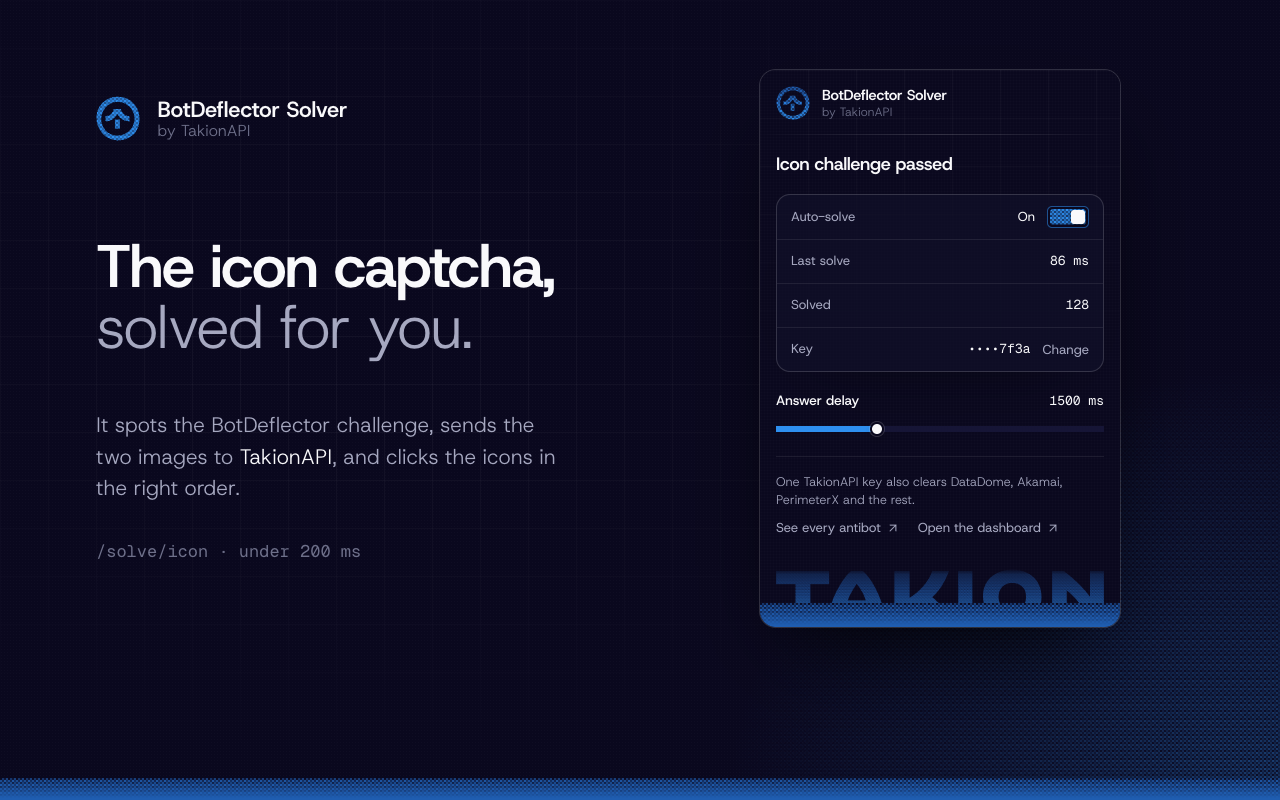
A while ago I took BotDeflector apart, the proof-of-work and icon captcha from Queue-it's co-founder.
After that I found lots of people interested into implementing the solution into their browser based solutions. FOr this reason I wrapped it up into a simple chrome extension that will solve the captcha for you.
What it does
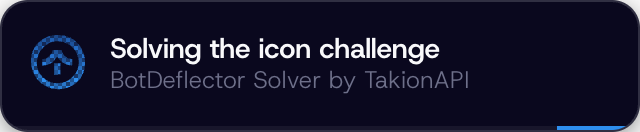
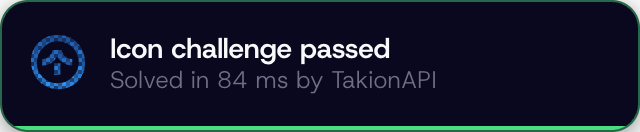
When your opened page has a BotDeflector captcha inisde of it, it will get detected and solved, with top-right non-invasive notifications taht keeps u updated during the quick process.
Where you'll meet it
You'll amost certnly encounter it during the entering process of a Queue-IT waiting room, websites like Arsenal, Footlocker, ...
Or inside some other kind of custom implementation like their homapge.
Here's an attached one so u can check by yourself with or without the extension installed
Try the real thing
A live BotDeflector challenge, served by the vendor. Solve it yourself and watch the flow described above run in your own browser.
Loads a third-party script from botdeflector.eu, which fingerprints your browser. Nothing is requested until you click.
Installation
From Chrome Web Store
Visit the extension page and install it.
From source
Chrome only takes unpacked extensions from a folder, so clone it and load it:
git clone https://github.com/glizzykingdreko/botdeflector-solver-chrome-extension.git
Then open chrome://extensions, turn on Developer mode, hit Load unpacked and pick the folder. Pin the icon and paste your key. Chrome 116 or newer.
The configuration
After installing the extension from either the
The popup will ask you to input your TakionAPI key or get a free one by starting a trial
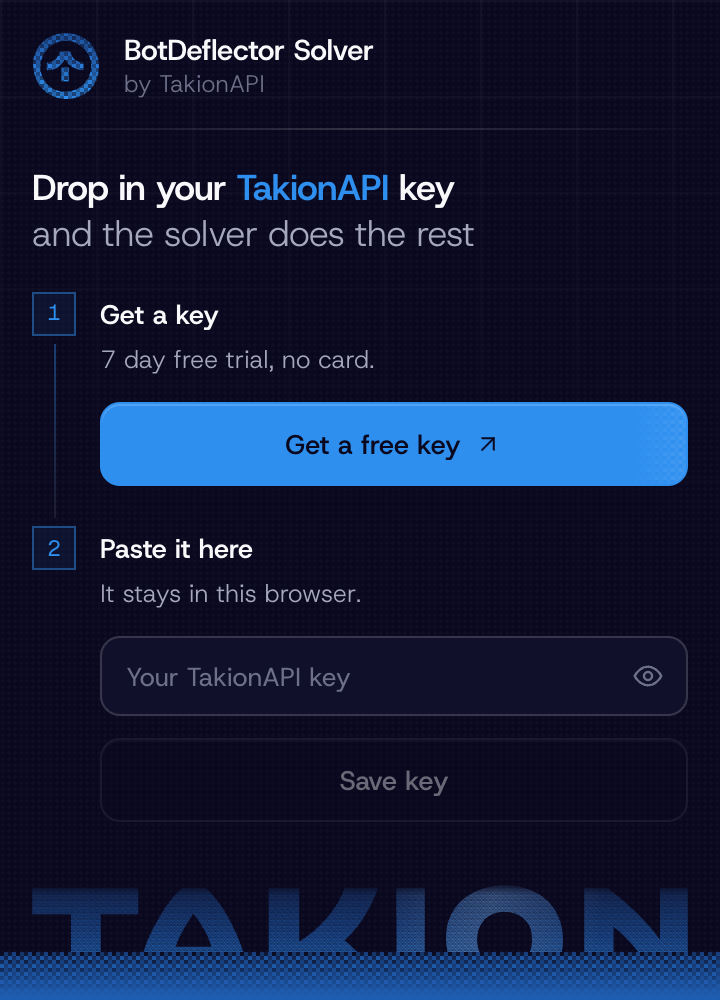
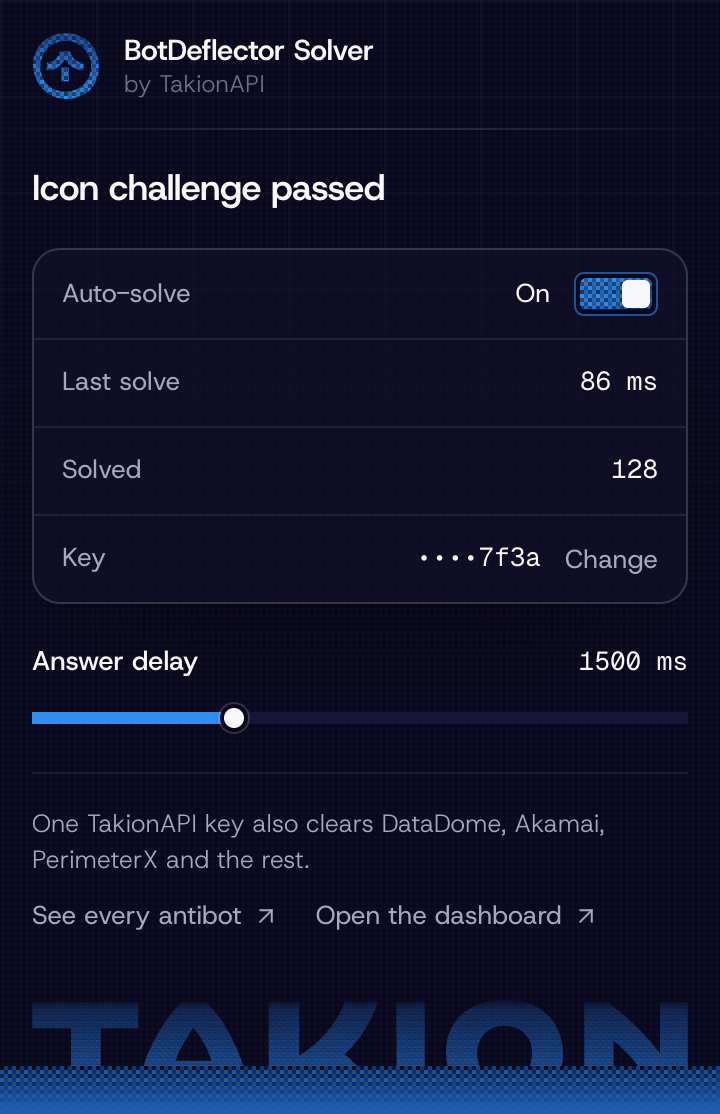
And that's all the setup you need.
Use it with Selenium
This is where it gets handy. Load the extension into the Chrome that Selenium drives, save your key once, and every BotDeflector challenge your script lands on clears itself. Your automation never touches the captcha.
from selenium import webdriver
from selenium.webdriver.common.by import By

options = webdriver.ChromeOptions()
options.binary_location = CHROME_BINARY  # Chrome for Testing or Chromium
options.add_argument(f"--load-extension={EXTENSION_DIR}")
driver = webdriver.Chrome(options=options)

# The unpacked extension's id comes from its path, so read it off its service worker
# (the full example retries this until the worker is up)
ext_id = next(
    t["url"].split("/")[2]
    for t in driver.execute_cdp_cmd("Target.getTargets", {})["targetInfos"]
    if t["type"] == "service_worker" and t["url"].startswith("chrome-extension://")
)

# Save the key the same way you would by hand
driver.get(f"chrome-extension://{ext_id}/popup/popup.html")
driver.find_element(By.ID, "keyInput").send_keys(TAKION_API_KEY)
driver.find_element(By.ID, "saveKey").click()

driver.get(TARGET_URL)  # the challenge clears itself from here
Running the full example against the repo's local mock of the widget:
[1] Extension loaded, id=pmjnogeenlgkbkkldiidcbjjgjjipalc
[2] Key saved
[3] Opened http://127.0.0.1:8799/challenge.html
  detected  Challenge found, starting it
  solving   Solving the icon challenge
  solving   Waiting 1500ms delay before solving
  solved    Icon challenge passed
[4] solved
The full script, with waiting for the result off the status card, is in examples/selenium_example.py.
One catch: branded Google Chrome ignores --load-extension since version 137, so point Selenium at Chrome for Testing or Chromium. Playwright works the same way, the repo's own test harness drives the extension through it with launchPersistentContext.
How it works
The extension is one content script on every page, plus a service worker behind it. It detects a captcha, get the images of it, send to TakionAPI for solving, then click based on the returned instructions.
The call itself is the same one I use in botdeflector-bypass:
curl -X POST https://botdeflector.takionapi.tech/solve/icon \
  -H "x-api-key: $TAKION_KEY" \
  -H "Content-Type: application/json" \
  -d '{ "background": "<base64 WebP>", "legend": "<base64 PNG>", "top": 6 }'
The answer delay
The only thing worth knowing is that BotDeflector, will reject any resolution sent before 1.5s from the image loading. Marking it as a detected bot. (error code on Botdeflector: I024).
So by default the extension will wait 1.5s (even if takionAPI takes less than 100ms to solve it) before clicking the matched icons.
The delay is configurable from the extension in case u wanna make edits.
Conclusion
Just a quick and easy chrome extension for removing any issue with Botdeflector from browser :)
Repo is here, load it and go.
Need antibot solutions?

The extension is the browser side of one endpoint. If you'd rather run BotDeflector, or DataDome, Akamai, PerimeterX, Incapsula and the rest, straight from your code, TakionAPI does it with one call per solve and no browser. We know what we're doing.
Connect with me
If you enjoyed this, follow me on GitHub and Medium to get a ping whenever I post or open-source something.
Sources
- botdeflector-solver-chrome-extension, the extension
- botdeflector-bypass, the same flow as standalone Python scripts
- Understanding and Bypassing BotDeflector, the full study
Pule a engenharia reversa.
O Takion retorna cookies, headers e tokens novos para cada grande muro antibot. Um POST, sem navegador, primeira chamada em menos de uma hora.